Stop doing manually what software can do for you.
We map your most painful manual processes and automate them — data entry, approvals, reporting, follow-ups, cross-tool syncs. Your team focuses on the work only they can do.

Why automate
What automation can do for your business
The right automations don't just save time — they remove entire categories of work from your team's plate permanently.
Stop paying your best people to copy-paste
If your team is manually moving data between tools, re-entering information, or sending the same templated email every week — that's automatable. We build it once; it runs forever.
Eliminate the human errors that cost you clients
Missed follow-ups, forgotten compliance tasks, data entry mistakes — automation removes the human error from your critical business processes and makes them consistent every time.
Make your existing tools actually talk to each other
Your CRM, email platform, accounting software, and project tools don't share data by default. We connect them so information flows automatically — no manual re-entry ever again.
Wake up to reports that wrote themselves
Automated reporting pulls data from all your sources, compiles it, and delivers it on schedule — daily, weekly, or monthly. Your team gets the insight without the grunt work.
What we automate
Common workflows we automate for teams and organisations
The most time-consuming, error-prone processes across Australian businesses — automated.
Leads & Enquiries
- —New enquiry → CRM contact created automatically
- —Lead score assigned based on source and data
- —Sales rep notified instantly via Slack or email
- —Follow-up sequence triggered within minutes
Client & Participant Onboarding
- —Welcome email + document pack sent on signup
- —CRM updated and intake form automatically filed
- —Team task created and assigned to right person
- —Reminders sent until onboarding steps completed
Finance, Quotes & Invoices
- —Quote generated from CRM data and sent automatically
- —Invoice created on project completion, no manual entry
- —Payment reminders sent at defined intervals
- —Xero / MYOB updated when payment received
People, HR & Compliance
- —Staff certification expiry alerts sent in advance
- —New hire onboarding checklist auto-created
- —Leave request routed to manager and updated in system
- —Compliance forms collected and filed automatically
Operations, Jobs & Projects
- —New job card created from booking or enquiry form
- —Team assigned and notified based on availability
- —Status updates push to client portal automatically
- —Completion triggers invoice and satisfaction survey
Reporting & Insights
- —Weekly summary report compiled and emailed automatically
- —KPI dashboard updated in real time from multiple sources
- —Anomalies detected and flagged to the right person
- —Monthly board report generated without manual work
Real examples
Real-world automation examples
Automations we've built for Australian businesses — with the time saved.
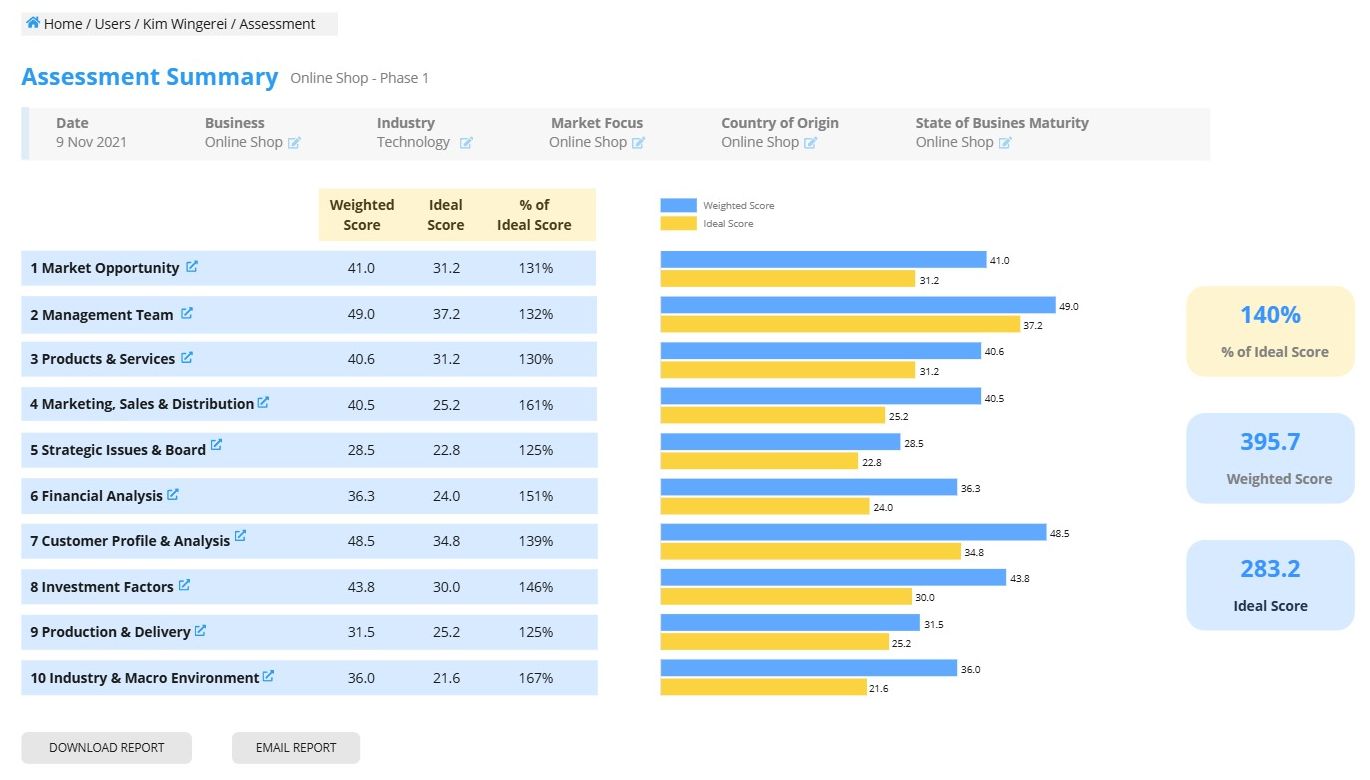
10Square — Business Assessment Platform
A web-based SaaS platform that enables analysts to systematically assess, score and benchmark businesses. Built from a complex Excel model into a full web application with a backoffice management system.
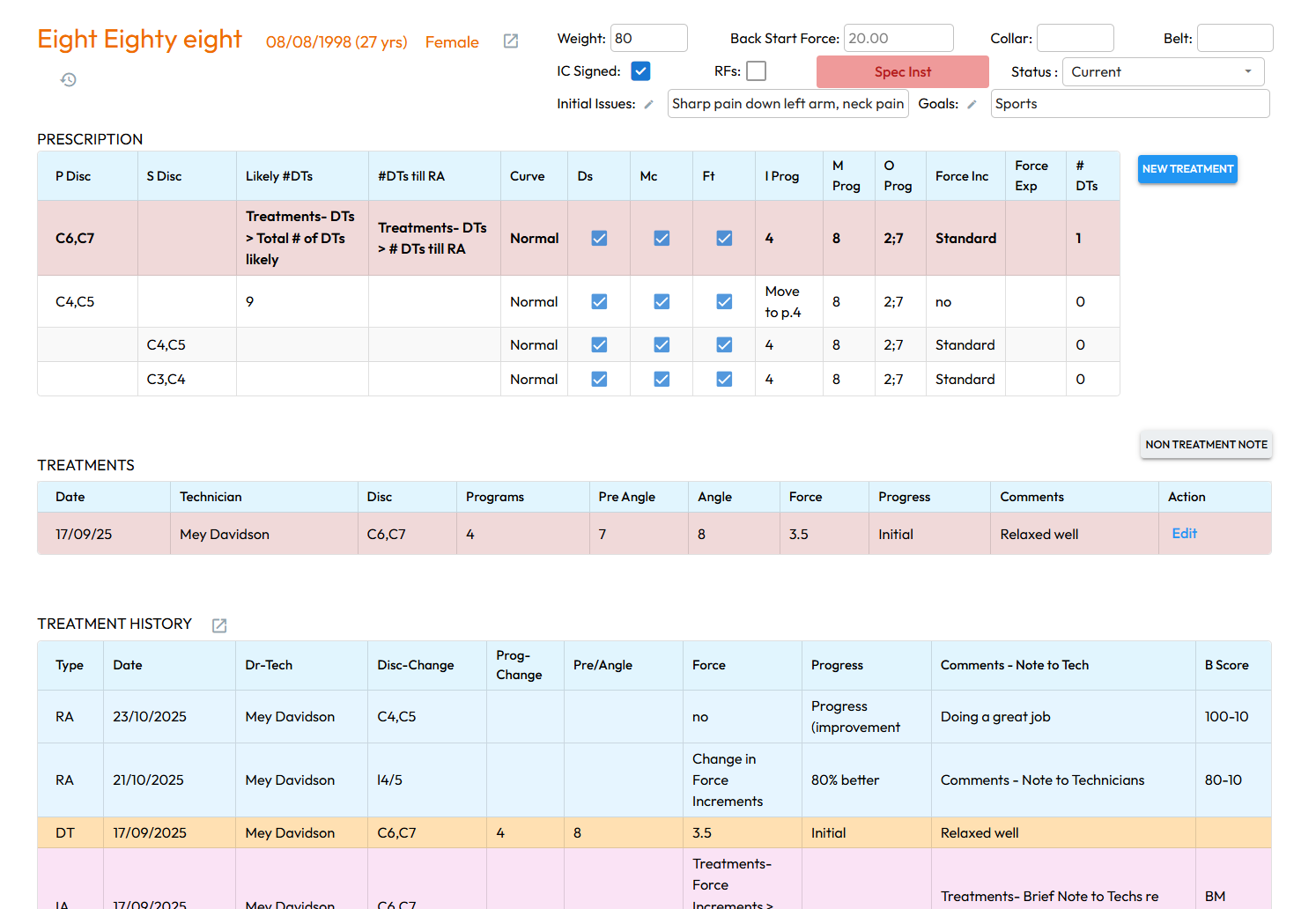
TRS — Treatment & Patient Management Platform
A web-based platform for non-surgical spinal care clinics to manage patient treatments, records, and workflows. Replaced legacy Excel and MS Access systems with a streamlined, cloud-based solution.
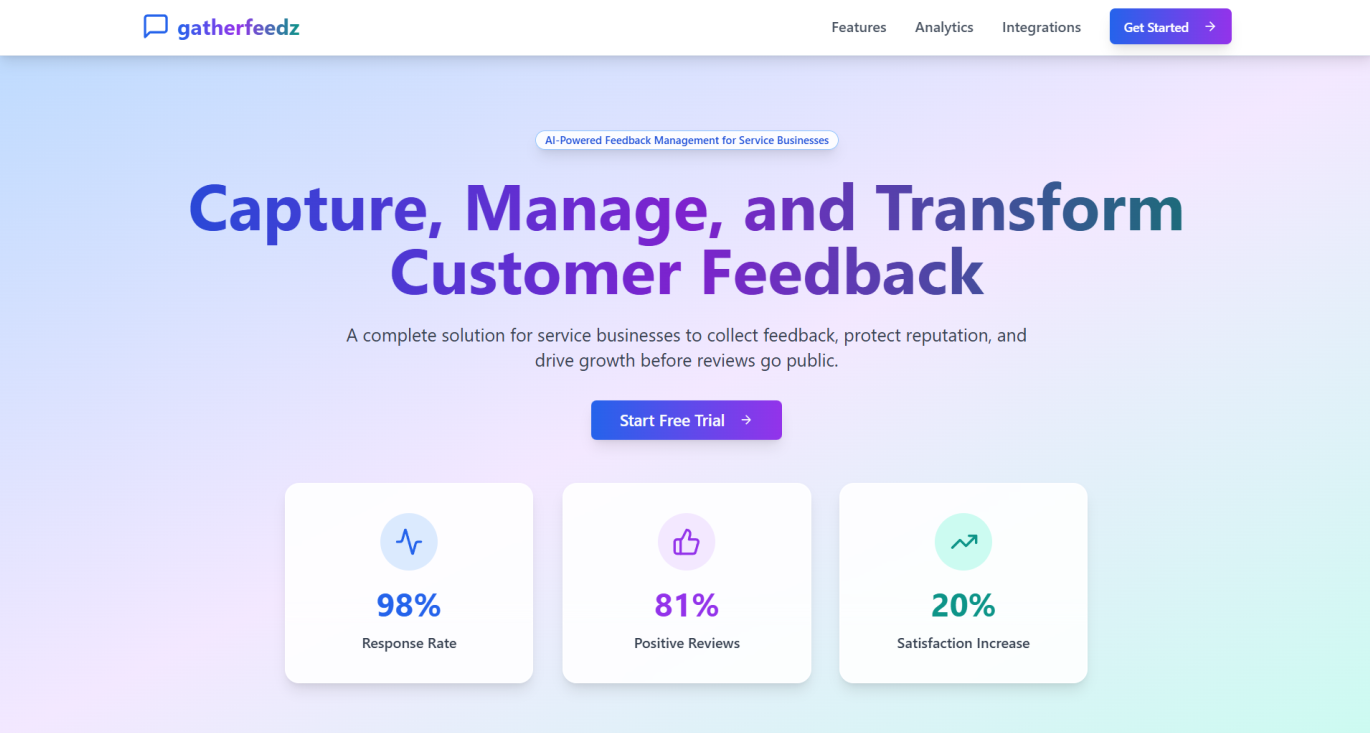
GatherFeedz — Feedback & Analytics Platform
Built by Aaujar as an internal SaaS product to demonstrate rapid development. Includes real-time feedback capture, analytics dashboards, and automated workflows — built and deployed in 4 weeks.
Our process
How we get your automation live
A simple 4-step process to go from a manual process to a running automation — usually in 1–3 weeks.
Step 1
Map the process
We document your current manual workflow — every step, every tool, every person involved.
Step 2
Design the flow
We design the automated version — triggers, conditions, actions, and edge cases. You review it before we build.
Step 3
Build & test
We build the automation, test every scenario, and make sure it handles real data correctly before going live.
Step 4
Launch & monitor
We go live, monitor for the first week, and hand you documentation so your team can manage it independently.
Tools we work with
We connect the tools you already use
We work with the platforms Australian businesses actually run on — we don't ask you to change your stack.
Don't see your tool? We've likely integrated it before — ask us on the call.
Client feedback
What our clients say
Real results from founders and teams who've built with Aaujar.
"Aaujar delivered a smooth and collaborative process from start to finish. They helped us refine our requirements, produced clear Miro wireframes, and guided us through every step before building the full web and backoffice applications. Both the prototype and final product exceeded expectations, and our team is now soft-launch testing with real confidence."

Automation questions
Frequently asked questions
Common questions about automation projects.
How long does an automation take to build?
Simple automations (single flow, 2–3 tools) can be live in 1–2 weeks. More complex multi-system automations take 2–4 weeks depending on scope and API access.
Will it work with the tools we already use?
Almost certainly yes. We've connected hundreds of tools. If your tool has an API or works with Make/n8n/Zapier, we can automate it.
What happens if the automation breaks?
We build error handling and monitoring into every automation. If something breaks, you're alerted immediately. The 14-day warranty covers any issues after launch.
Do we need to change our existing processes?
Usually not. We map your current process first and automate it as-is — then suggest improvements where they're obvious. We work with how your team already operates.
Can I add more automations later?
Yes. Each automation is a separate project with its own fixed price. Clients often start with one high-value flow and expand once they see the results.
Does my team need to learn new software?
No. The automation runs in the background — your team interacts with the same tools they always have, just with the manual steps removed.
Ready to automate your manual work?
Tell us which process is eating your team's time. We'll scope the automation, give you a fixed price, and have it running in weeks.
No commitment. Fixed price agreed before we start.